
See Google and Facebook ad results for every store in one place
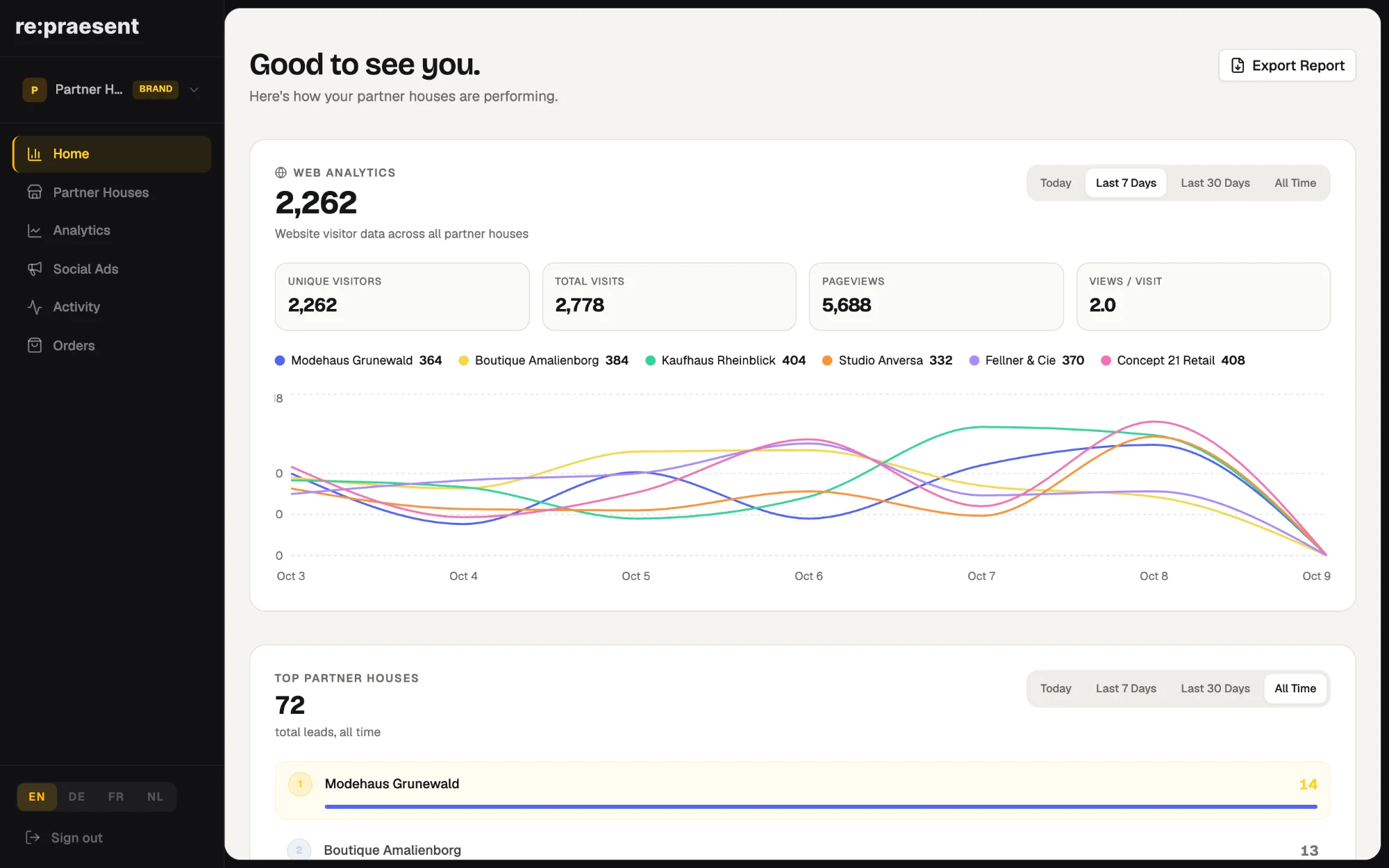
The re:praesent brand login shows Google and Facebook advertising campaigns for all partner stores in one view. A brand team sees what each campaign cost, how many people clicked and how many got in touch, and can filter by location, campaign and date. It is for brands that pay for or share the cost of their retailers’ adverts and want to see what came of the money.
Paying for adverts you cannot see
Many brands pay for their retailers’ advertising, or share the cost. The adverts run in the name of each store, in several advertising accounts.
Then the reporting starts. The agency sends its presentation some weeks later. Each store has named its campaigns in its own way. When someone asks which location brought in the most inquiries last week, the answer needs a day of manual work.
The money is spent centrally and the results are scattered. That is the problem this view solves.
What it does
Since May 2026 the brand login brings the campaigns of the whole network together.
- Google and Facebook campaigns across your partner stores, in one list.
- For each campaign: what was spent, how many people the advert reached, how many clicked, and how many got in touch.
- Spend over time, as a chart.
- A filter by location, by campaign and by date range.
- Active and inactive campaigns kept apart, so old ones do not get in the way.
You no longer export figures from several advertising platforms and paste them into a spreadsheet. Everyone on the channel team looks at the same numbers.
How a channel team uses it
- Choose the period, for example the last 30 days.
- Compare the campaigns side by side: what each cost and how many people got in touch.
- Pick out a campaign that costs a lot and brings little.
- Go from that campaign to the location it belongs to, and look at that store on its own.
That last step matters. A weak campaign is rarely only an advertising question. Sometimes the store’s website is the problem, and sometimes inquiries are coming in but nobody is answering them.
From a campaign you can also open the inquiries it produced. So the conversation with the store is about real people who asked for something.
What it does not do
This is a view for reading results. The campaigns themselves still run in Google and Facebook, and they are created and changed there.
Campaigns have to be connected before they appear. Until then the screen says that no campaigns are connected yet.
It also does not judge an advert for you. It puts the cost and the result next to each other, for every location, and leaves the decision to the people who know the stores.
How to get it
Campaign results are part of the brand login. If you fund adverts for partner stores or franchise locations, see the page for brands, or arrange a conversation. We will show you the view and explain how your campaigns are connected.
Questions
Which advertising platforms are covered?
Google and Facebook campaigns across your partner stores.
Can I create or change adverts in re:praesent?
No. The view shows results. The campaigns still run and are managed in Google and Facebook.
Can I look at one store only?
Yes. You can filter by location, by campaign and by date range.
Can I see which inquiries a campaign brought?
Yes. From a campaign you can open the inquiries that came from it.