
See every inquiry across your partner network in one list
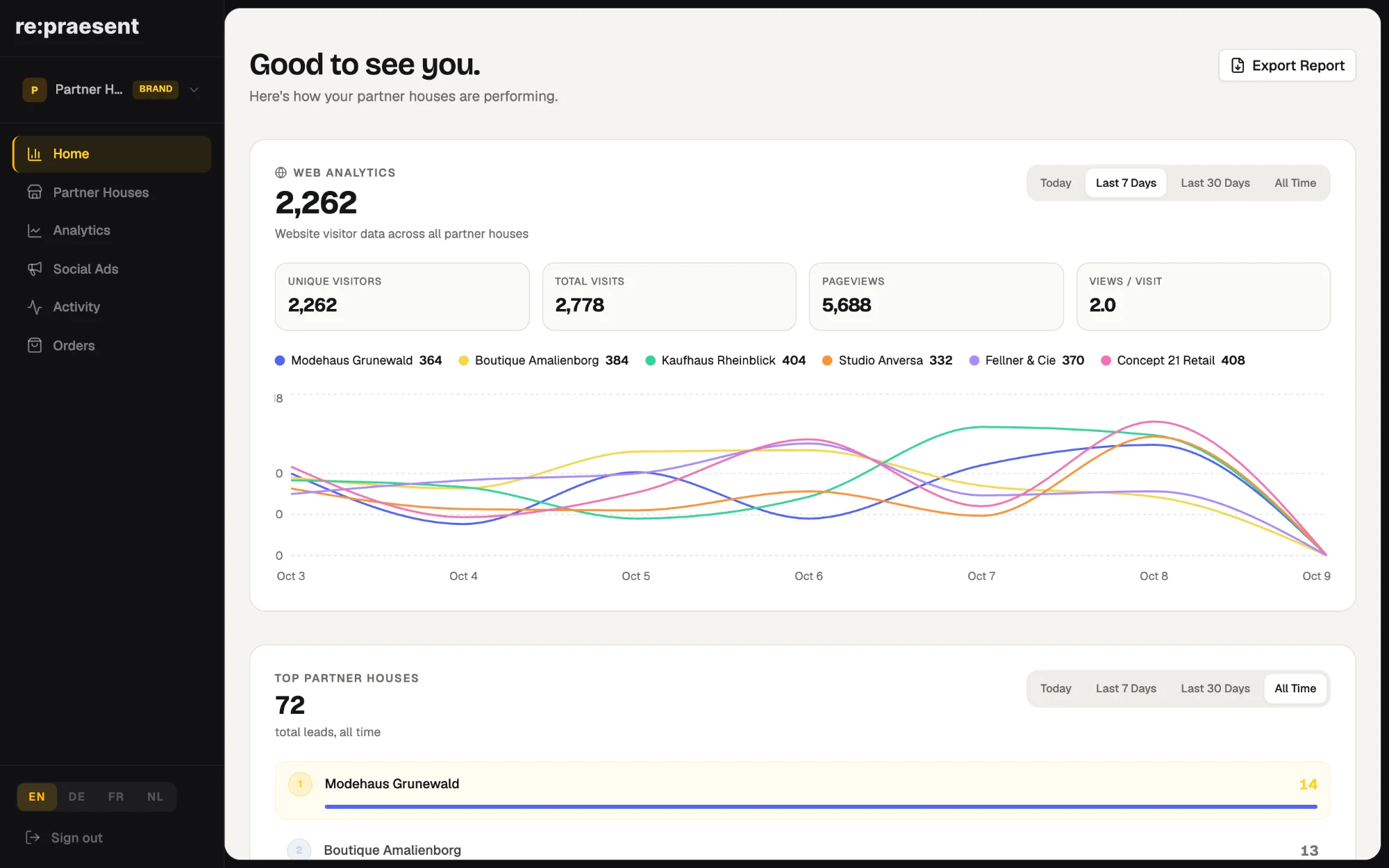
In the re:praesent brand login, inquiries from every partner store appear in one list. A brand team can filter it by store, status, source and date, and export it to Excel. The stores keep their own view of their customers, and the brand sees the network without borrowing anyone’s account.
The question nobody can answer quickly
A brand pays towards a spring campaign for its partner stores. Three weeks later someone in management asks what came of it.
The honest answer is often that nobody knows yet. The inquiries went to the stores, as they should. What the brand has is a few forwarded emails and two spreadsheets that do not match.
Local inquiries belong to the retailer. That is right, and it should stay that way. But the brand still needs a true picture of the network: which stores receive inquiries, where those inquiries come from, and whether a campaign produced any.
What it does
We added this to the brand login in March 2026. It brings together inquiries from every partner, whether they came through a form, by phone or from the website.
- One list for the whole network, with name, email, phone and the date each inquiry arrived.
- A filter by store, so you can look at one location or compare several.
- A filter by status, so you can see what is new and what has been dealt with.
- A filter by source, so you can see where people came from.
- A date range, so you can look at the weeks of one campaign.
- An Export Excel button for the result.
You can also search by name, email or phone number when you are looking for one particular person.
How a brand team uses it
- Set the date range to the weeks of the campaign.
- Choose the source you are interested in.
- Look at which stores the inquiries went to, and what status they have now.
- Export the list if the agency or management needs it.
That takes a few minutes. Before, it took a round of emails to every store.
It also shows the quiet places. A store with no inquiries in a month may need help with its website or its adverts. A store with many inquiries that all still show as new may need help of a different kind.
What stays with the store
Nothing changes in the daily work of a partner store. The retailer sees its own inquiries in its own login, calls people back and records how it went.
The brand view is for reading and exporting. It is not a place to work another company’s customers, and it does not hand one store’s inquiries to another.
It is also only as complete as what the stores record. An inquiry that never reaches a store’s list cannot appear in the network list.
How to get it
The network list is part of the brand login. It needs the partner stores to be connected to your brand. See the page for brands, or arrange a conversation and we will go through your network with you.
Questions
Can the brand see inquiries from all stores?
Yes. The brand login lists inquiries from every connected partner store in one place.
Do the stores lose control of their inquiries?
No. Each retailer keeps its own view and carries on working its inquiries in its own login.
Can I export the list?
Yes. The filtered list can be exported to Excel, for example for an agency or for management.
What can I filter by?
By store, status, source and date range. You can also search by name, email or phone number.