
Let customers book a consultation online, not by phone
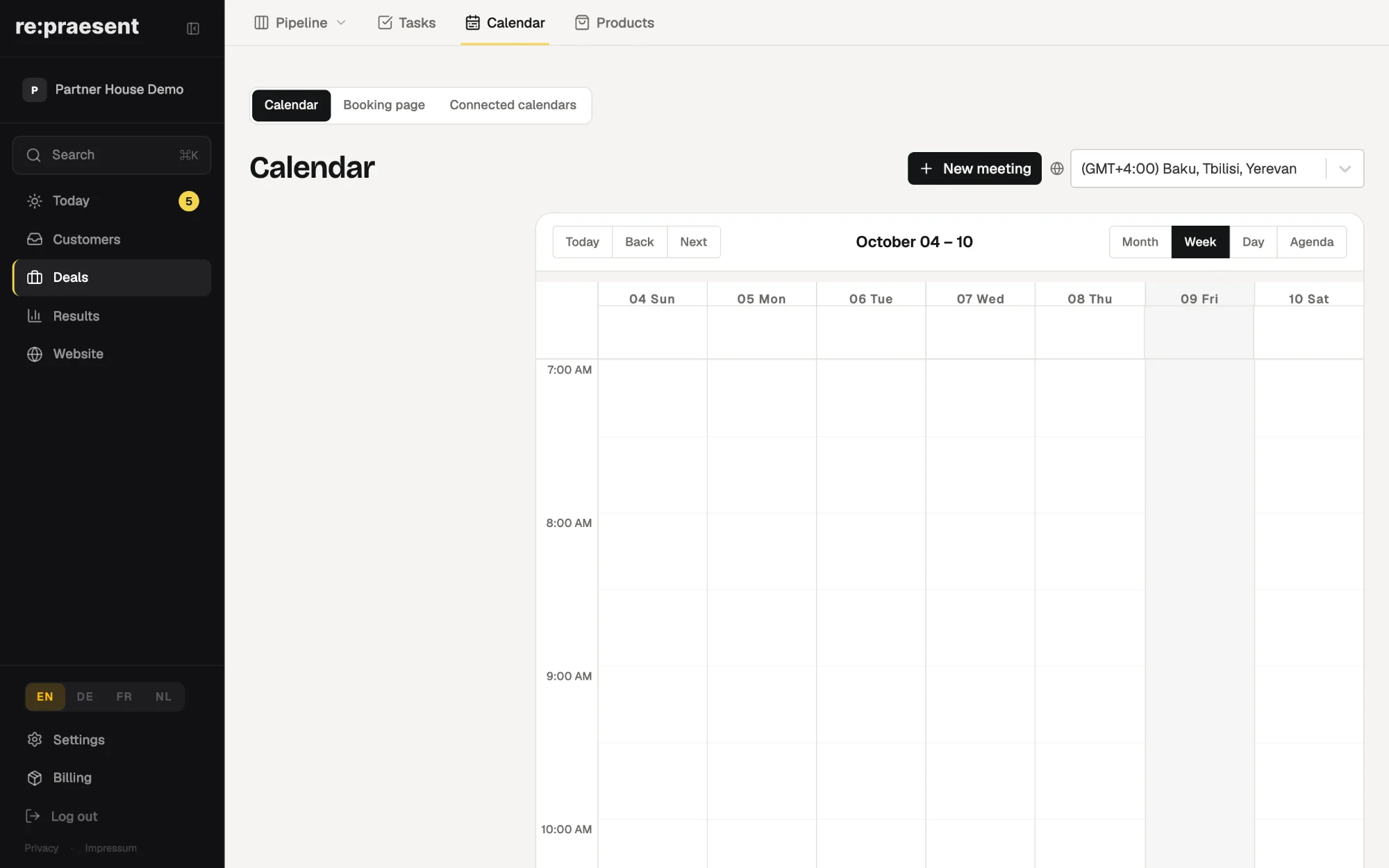
With re:praesent, customers book a consultation themselves on your website, inside the working hours you set. They receive a confirmation email, and the booking appears in your inquiry list where the whole team can see it. It suits businesses that sell through appointments, such as kitchen studios, furniture shops and clinics.
The phone loop every showroom knows
A customer rings to arrange a visit. You are with someone else, so they leave a message. You call back and reach their voicemail. They call again the next day. You agree a time, and then nobody confirms it.
For a kitchen studio or a furniture shop, the visit to the showroom is where the sale begins. Arranging those visits by phone takes hours every week, and some customers give up halfway.
Online booking was one of the first things our customers asked us for. We released it in March 2026.
What it does
- You list the services people can book, each with a name, a duration and a short description. An initial consultation is a typical one.
- You set the days and hours when you accept appointments. Customers cannot book outside those times.
- You choose which details the booking form asks for, such as phone number or address, and which of them are required.
- The customer receives a confirmation email. It includes a calendar file, so they can add the appointment to their own calendar.
- Each booking arrives in your inquiry list with the source Booking, next to the inquiries from your website forms.
The booking page carries your company name, logo and colours. You can share it as a link or place it on your website.
How it works for the customer and for you
- The customer opens the booking page and picks a day and a free time.
- They enter their details and confirm.
- They get the confirmation email. If someone else took that time a moment earlier, they are asked to pick another.
- The appointment shows in your calendar in the app, and the person shows in your inquiries.
From there the team treats the booking like any other inquiry. Whoever meets the customer can see the request beforehand, and after the visit it can become a deal with a next step.
If you already keep a Google or Microsoft 365 calendar, you can connect it under Settings. Bookings then check your availability there and create the event in that calendar.
Who it suits, and what it does not do
It suits any business where a sale starts with an appointment: showrooms, clinics, trades that visit the customer for a quote.
It does not replace the phone. Customers who prefer to call will still call, and you can enter their appointment yourself with the New appointment button.
It also does not decide who in a larger team takes which visit. It offers the times you have marked as free.
What it costs
Online booking is included in the package: €300 a year or €30 a month, everything included. There is no extra charge per booking or per user. Details are on the pricing page. If you would like to see a booking page first, ask us for a demo.
Questions
Can customers book outside my opening hours?
They can make the booking at any hour, but only for times inside the working hours you have set.
Does the customer get a confirmation?
Yes. The confirmation email includes a calendar file so the appointment can be added to their own calendar.
Where do I see new bookings?
In the calendar in the app, and in your inquiry list, where each one is marked with the source Booking.
Can I use my existing calendar?
You can connect a Google calendar or a Microsoft 365 or Outlook account, so bookings check your availability and create events there.