
See your whole team’s week in one calendar
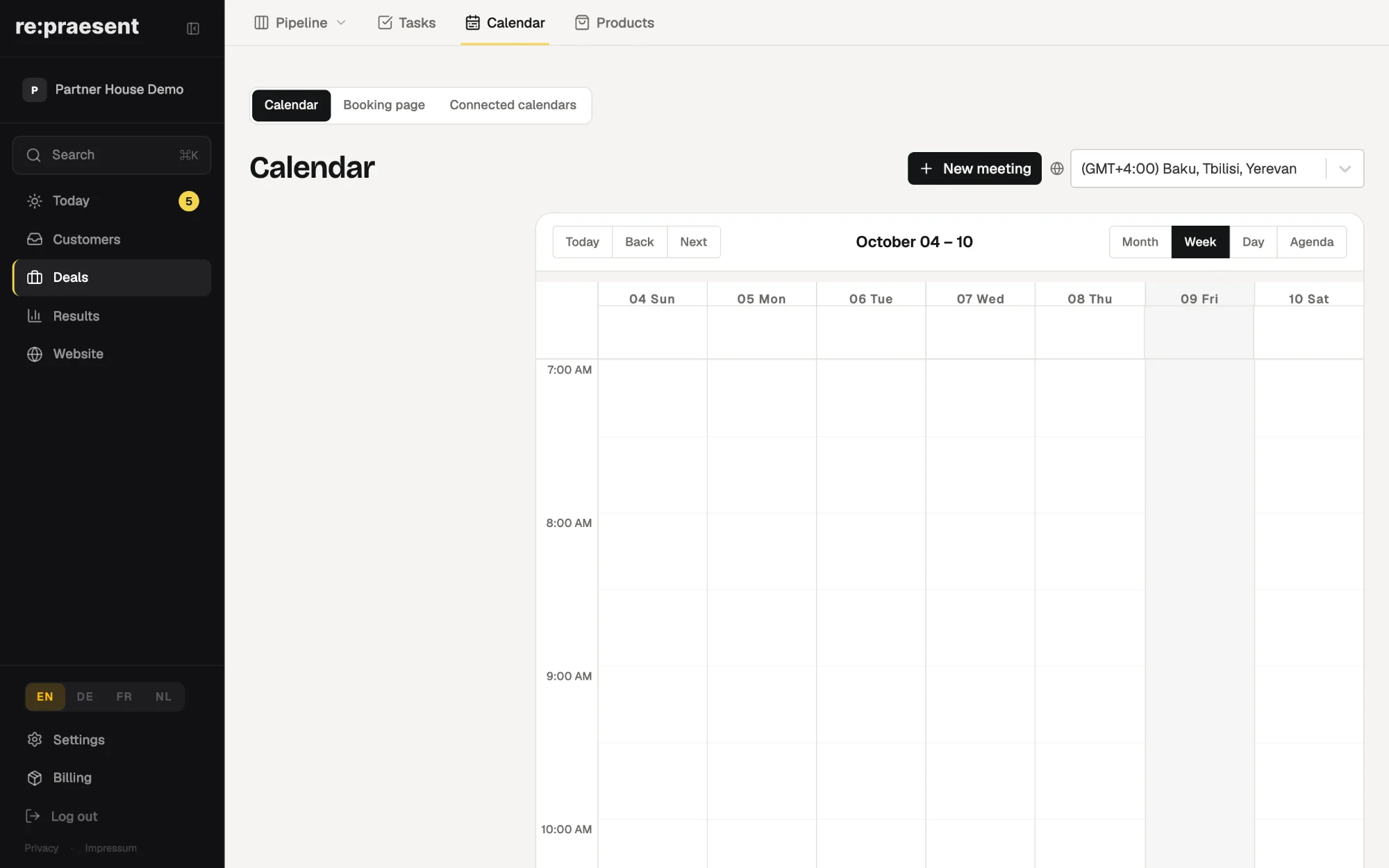
The calendar in re:praesent shows your team’s diaries in one view: Google Calendar, Microsoft 365 or Outlook, CalDAV calendars, and the booking calendars your customers already use. It sits in the same app as your customers and deals, so the person taking a call can see who is free without opening a second program.
Two screens that do not agree
A customer books a consultation on your website for Thursday at ten. The booking is correct. The slot was free.
Meanwhile a colleague has Outlook open on another screen and promises a supplier the same Thursday at ten. Neither of them did anything wrong. The two calendars simply did not know about each other.
This was the gap. Online booking already created appointments. What was missing was a view of the week as the team actually works it, in the place where the customer’s details already are.
What the calendar shows
You connect the calendars you already use. Nothing has to be moved or retyped.
- Google Calendar, connected with one click.
- Microsoft 365 or Outlook, connected with one click.
- CalDAV calendars, including the booking calendars we host for your public booking pages.
- Your own calendars and your team’s, listed together.
The connection works in both directions. Online booking can read when you are busy, so it does not offer a taken slot. And it writes new appointments back into the calendar you connected.
How it works day to day
The calendar is in the Deals section of the app, next to the deal board, tasks and products.
- A customer calls and asks for a visit next week.
- You open the calendar and see everyone’s week in one view.
- You create the meeting there and invite the guests by email.
- If the meeting has a Google Meet link, you join it from the event.
Colleagues who prefer their usual calendar program can keep using it. What they enter there appears in the shared view. The app works in a browser and as an app on your phone, so the week is with you on site as well.
What it does not do
It does not replace Google Calendar or Outlook. It shows them together. Your team’s calendars stay where they are.
It also does not take anything away when you stop. If you disconnect an account, the events that were already created are not deleted.
And it only knows what the connected calendars know. A private appointment that somebody keeps on paper will not appear, and a slot that looks free may not be.
What it costs
The calendar is included, like online booking. It is part of the re:praesent package: €300 a year or €30 a month, everything included, with no fee per user. The full list is on the pricing page.
There is no charge per connected person. To see it with your own calendars, ask for a short call.
Questions
Which calendars can I connect?
Google Calendar, Microsoft 365 or Outlook, and CalDAV calendars, including the booking calendars re:praesent hosts for your booking pages.
Does online booking check my connected calendar?
Yes. Booking can read your availability from the connected calendar and write new appointments back into it.
Can I create a meeting from the app?
Yes. You can create a meeting, invite guests, and join a Google Meet link from the event when one exists.
What happens to my events if I disconnect a calendar?
Events that were already created are not deleted.
Do I pay per person on the team?
No. The package is €300 a year or €30 a month with no fee per user.