
Add products to a deal and send the invoice from there
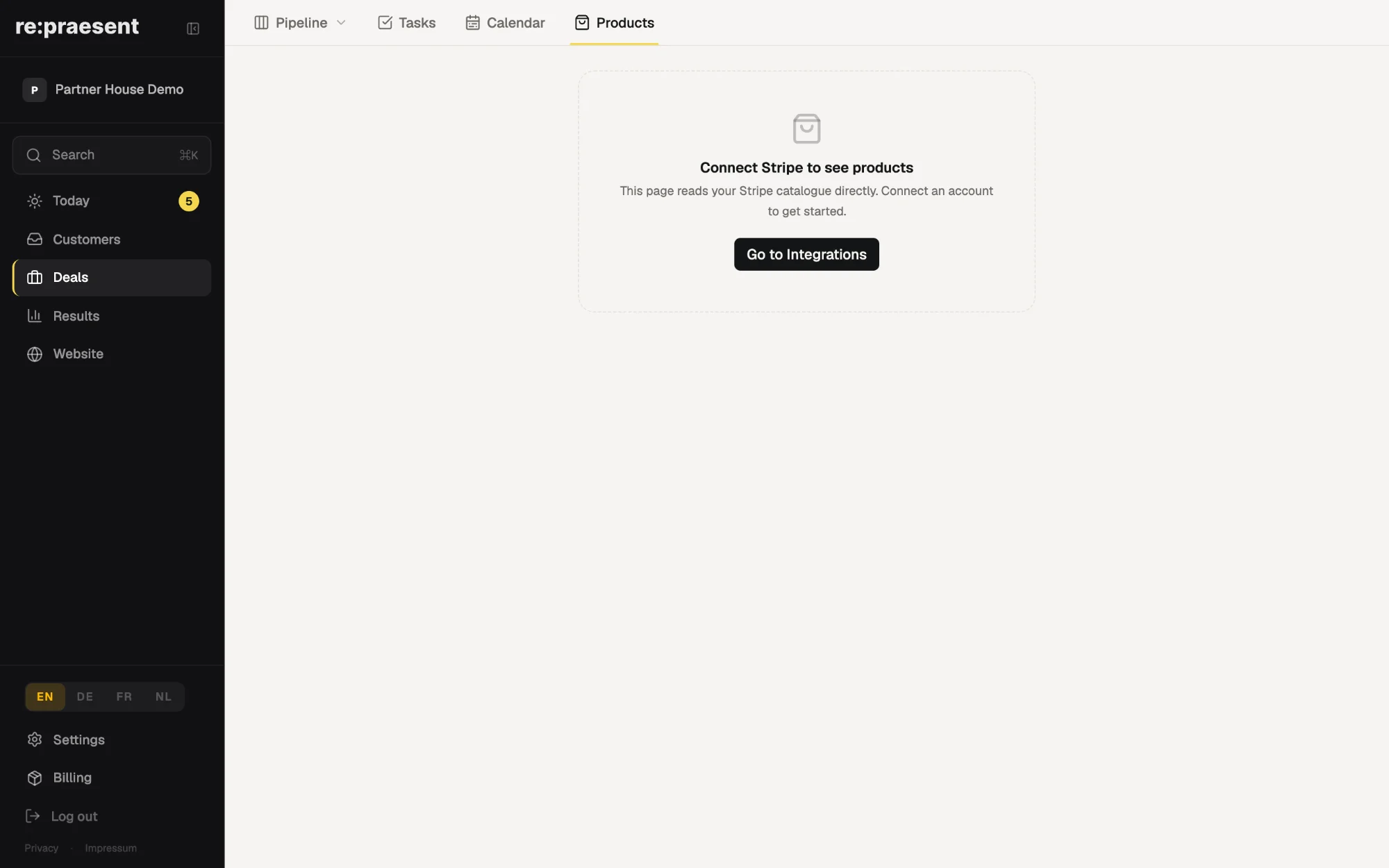
If you already use Stripe, re:praesent can show your Stripe products inside the app. You add them to a deal, link the customer and create the invoice from the same page, so the deal and the bill always match. Your products and prices stay in Stripe, where you manage them today.
This feature is in pilot with our first customers. Ask us if you would like it switched on for your business.
The offer was in one place and the bill in another
You know the customer. You know the deal is almost agreed. What you do not have on the same page is what exactly they are buying and for how much.
The items and prices are in Stripe, or in an email, or in a spreadsheet somebody keeps. When the job is done, someone copies the numbers across by hand and writes the invoice somewhere else.
Linking the two afterwards is manual work, and so it is often skipped. The result is a deal board that never quite matches what was actually billed.
What you get when Stripe is connected
- A Products page that reads your live Stripe catalogue: physical items, subscriptions and one-off prices.
- On a deal, you attach the products the customer is buying.
- You link the deal to the matching customer in Stripe.
- You create the invoice from the deal.
- The Products page also lists subscriptions and past invoices for your business, with a payment link when something is overdue.
Open invoices can be opened or downloaded from the app, so day-to-day follow-up does not need a second login.
How it works day to day
- Connect your Stripe account once, under Settings, then Apps.
- Open a deal and add the products from your catalogue.
- Link the Stripe customer.
- Choose Create invoice.
From then on the deal shows what was attached and what was billed. A colleague who opens it next week sees the same thing, without asking you.
Products is one of the four parts of the Deals section, next to the deal board, Tasks and Calendar.
What it does not do
It does not replace Stripe and it is not an accounting program. Stripe stays your account, with your payouts and your records.
You cannot edit the catalogue from re:praesent. A new product or a changed price is entered in Stripe, and re:praesent displays it. We did this on purpose, so there is one place where prices are decided.
It needs a Stripe account. If you bill in another way today, your deals, tasks and customers in re:praesent work exactly as before, without this part.
The Apps area of Settings, where Stripe is connected, is still in pilot. If you do not see it yet, ask us.
What it costs
The re:praesent package is €300 a year or €30 a month, everything included, with no fee per user. See the pricing page for the details. Stripe’s own charges are between you and Stripe.
If you would like the Stripe connection turned on for your business, get in touch.
Questions
Do I need a Stripe account for this?
Yes. Products and invoices on a deal come from the Stripe account you connect.
Can I change prices or add products inside re:praesent?
No. You change the catalogue in Stripe, and re:praesent displays it.
Where do I connect Stripe?
Under Settings, then Apps. This area is still in pilot, so ask us if you do not see it yet.
Can I see whether an invoice is still unpaid?
Yes. The Products page lists invoices for your business and offers a payment link when one is overdue.
Can I use deals without Stripe?
Yes. Deals, tasks and customers work without it. The Stripe connection only adds products and invoices.