
Which partner stores are active: every location on one screen
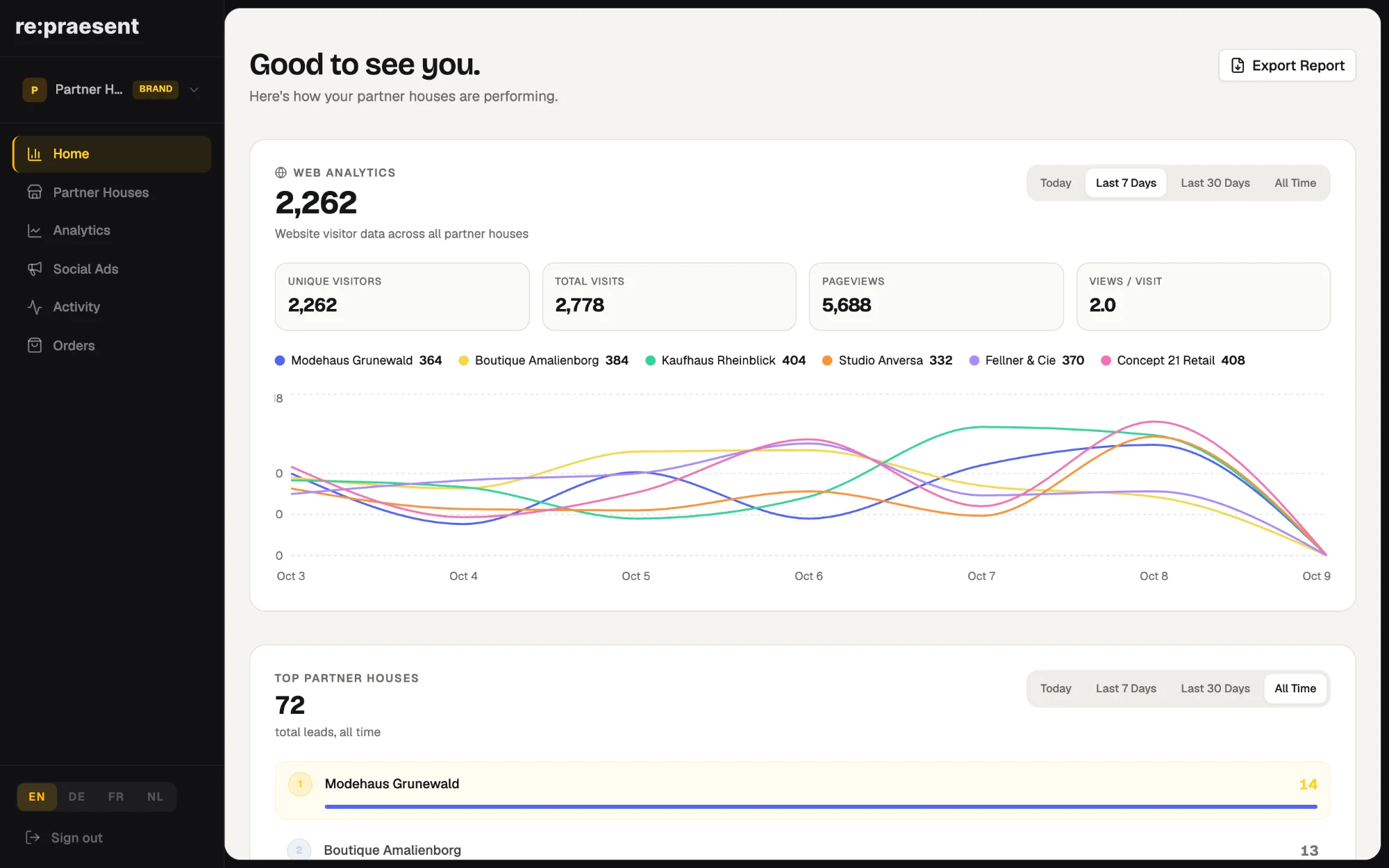
The re:praesent brand login lists every partner store on one screen, with its products, where its inquiries come from, its team and when it was last active. A brand manager can tell in a minute which partners are working with the system and which have gone quiet, without asking for a login to each store.
The question behind every partner review
A channel manager prepares for a visit to a partner store. The first thing they want to know is plain: is this partner active at all?
Are inquiries arriving there? Is anyone on the team looking at them? Which parts of the system has the store turned on?
With a handful of partners you can ring each one. With dozens you cannot. Phone calls and status emails stop working beyond a few dozen stores, and asking for a login to every store’s customer list is neither practical nor fair to the retailer.
What the list shows
We added the partner list to the brand login in May 2026. Each connected location is one row.
- The name of the store and its status, for example Active or Pending Setup.
- The products the store has turned on.
- Recent activity, so you can tell when someone last used the system.
- How many inquiries the store has received, and from which sources.
- The team members, each with their role.
You can search the list by name.
How a brand manager uses it
Before a review, you find the store in the list and read three things: when it was last active, how many inquiries it has, and who is on the team. Then you go into the meeting with facts and not with stories.
Once a month, you scan the whole list for silence. A store with no recent activity is a partner to ring. Perhaps the person who used the system has left. Perhaps nobody showed the new colleague how it works.
A separate activity page goes one step further. It shows, for each store, which users have signed in, on how many days, and when they were last seen. It can be exported to Excel.
From the same login you can also send a request for a new location, or for an extra service at an existing one.
What it does not show
The list shows that a store is working, not the detail of its work. Each retailer keeps its own login and its own customers.
It also covers only the stores that are connected to your brand. A partner that is not on the system does not appear.
Together with the visitor numbers and the list of inquiries across the network, it gives the brand a working picture of its partners: who is found, who is contacted, and who is using what they have.
How to get it
The partner list is part of the brand login. The pages for brands and for retailers and franchises explain how locations are connected. To see it with a network like yours, arrange a conversation.
Questions
Do I need access to each store’s own account?
No. The brand login lists all connected partner stores and shows their status, products, inquiry sources and team.
How do I spot a partner that has stopped using the system?
The list shows recent activity for each store, and the activity page shows when each user was last seen.
Can I see a store’s individual customers here?
The partner list shows totals and sources of inquiries, not the daily work of the store. Each retailer keeps its own login.
Can I add a new location?
You can send a request for a new location or an extra service from the brand login, and we get back to you.